


Play
BACK INTHE BROWSER.
Take a saved case, run it locally and explore what it captured alongside your current code. Inspect fresh observations.
Available with Developer access, including the 14-day trial.
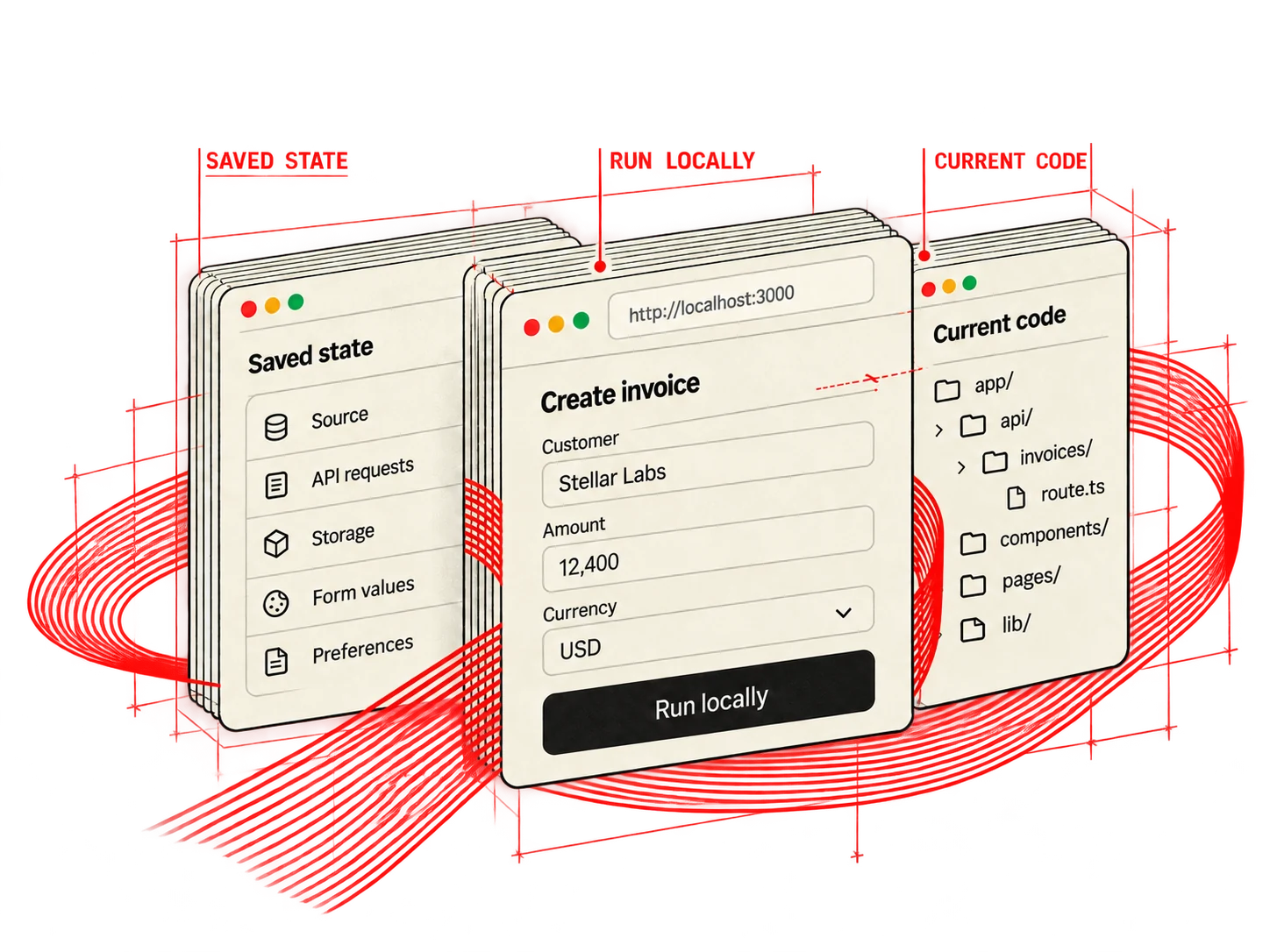
01 — CHOOSE A TARGET
Run it where you work.
Start your local app and choose its address. Reopen the saved case with the reviewed captured dependencies.
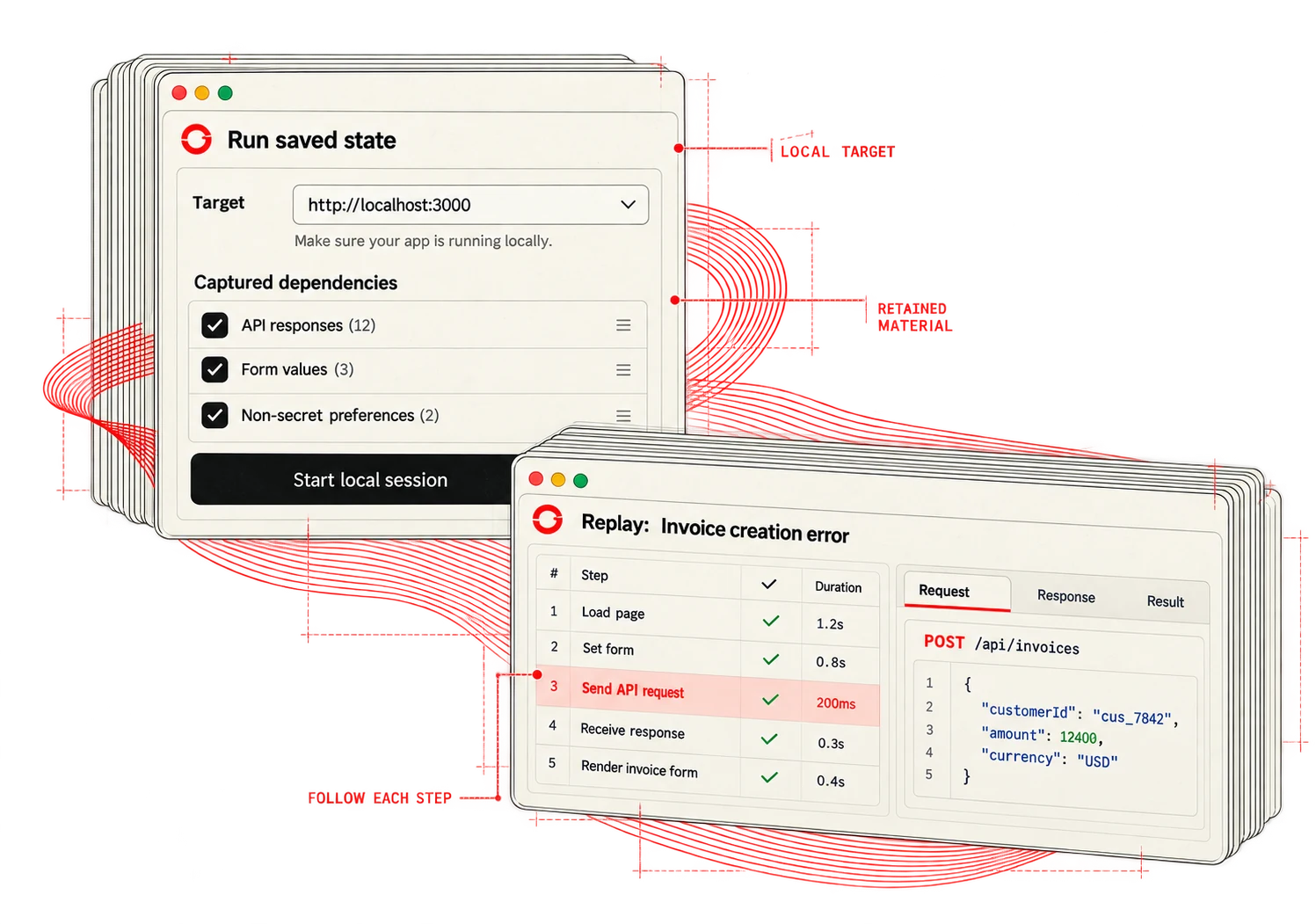
02 — FOLLOW THE RECORDED PATH
Reproduce the sequence.
Follow the retained actions and inspect each observed result. A fresh run is something you can review, step by step.
03 — EXPLORE THE RESULT
Try changes. See what happens.
Make changes locally, retry the case and compare what you observe. Keep the final check in your app.
01 / Explore your local app
02 / Compare fresh observations
BACK TO THE WORK