


Atlas
A PLACE FOREVERY CASE.
Your saved cases, organised by the work you are doing. Find a case, explore its revisions and return to the saved case.
Organize saved cases for free. Running cases on current code, response editing and the revision/comparison workflow require Developer access, including the 14-day trial.
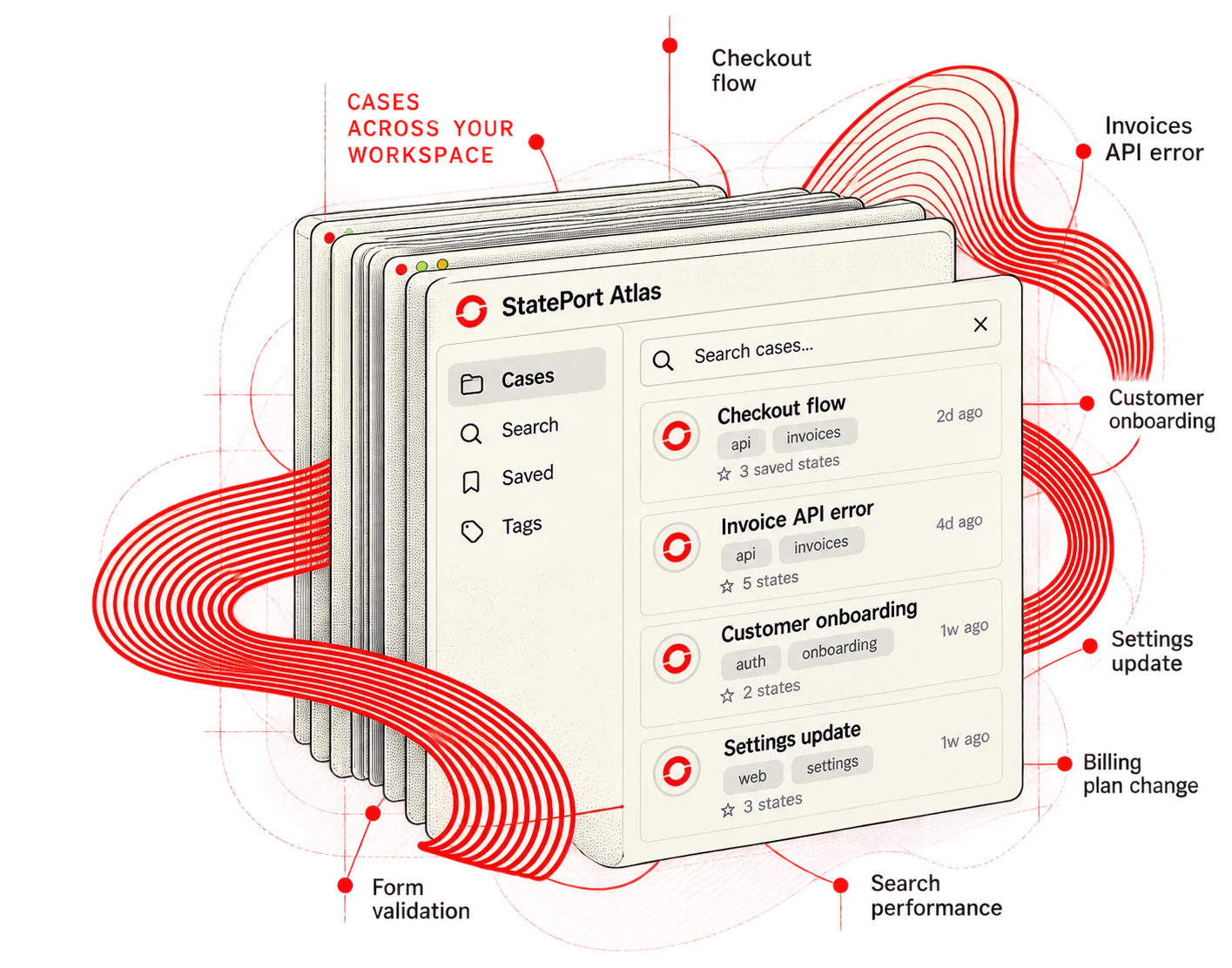
01 — FIND A CASE
Pick up where you left off.
Search by case name, tag or request. Explore the work you saved and choose your next case.
Organizing saved State Cards is free forever.
01 / Find a saved case
02 / Follow your tags
02 — FOLLOW THE CHANGES
See the story of a case.
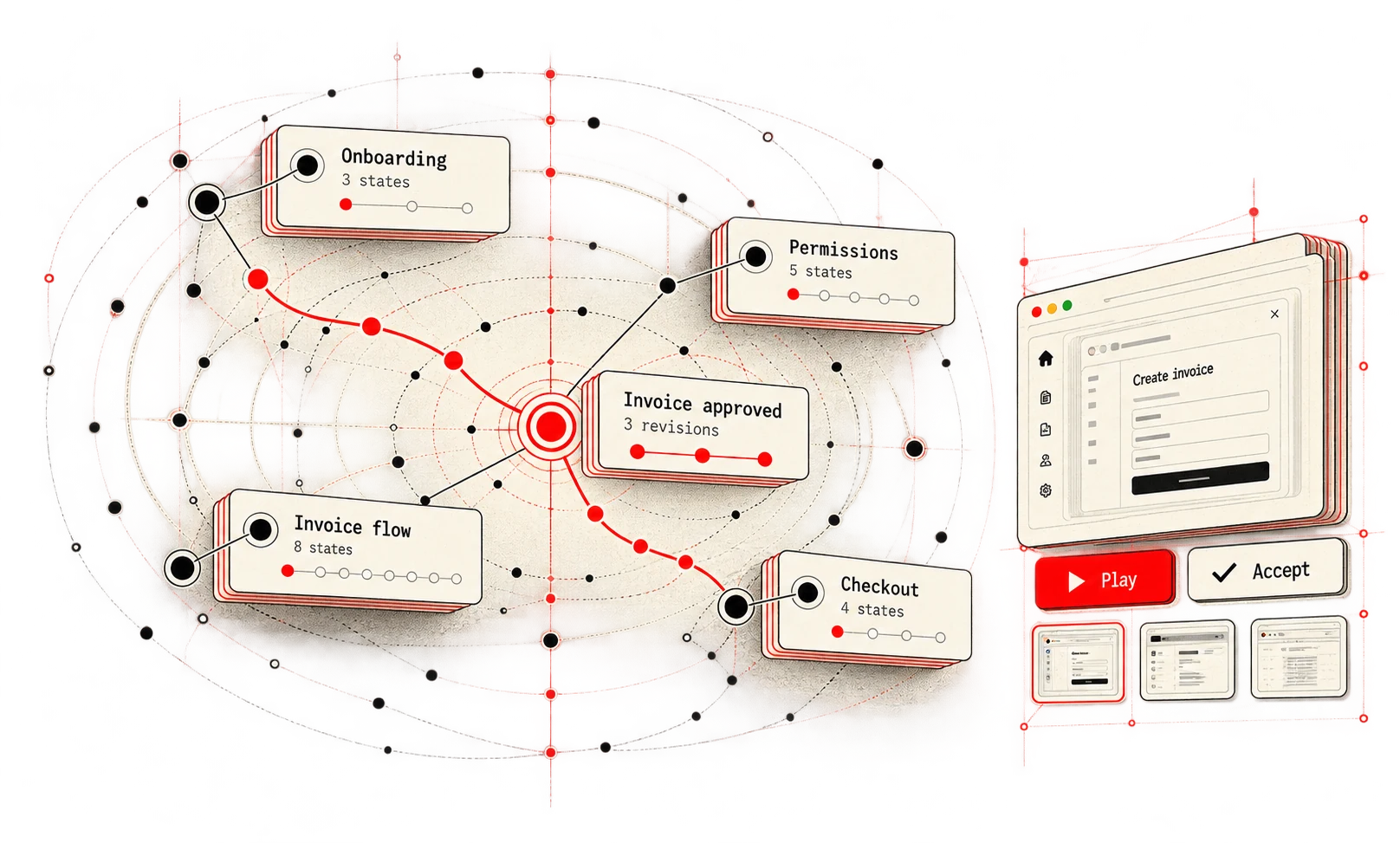
Follow revisions and review the requests, responses and notes that changed. Keep the history connected to the original case.
Creating revisions, editing responses and comparing results are part of the Developer workflow.
01 / Follow the case history
02 / Review the request diff
03 — RETURN TO CURRENT CODE
Ready to try it or keep it?
Play a saved case against your current local code, inspect the result and review before accepting a change.
Running cases on current code requires Developer access, including the 14-day trial.
BACK TO THE WORK