


Accept
REVIEWTHE RESULT.
Compare what changed, test it in your app and decide what to keep. Review the differences and your notes before accepting.
Available with Developer access, including the 14-day trial.
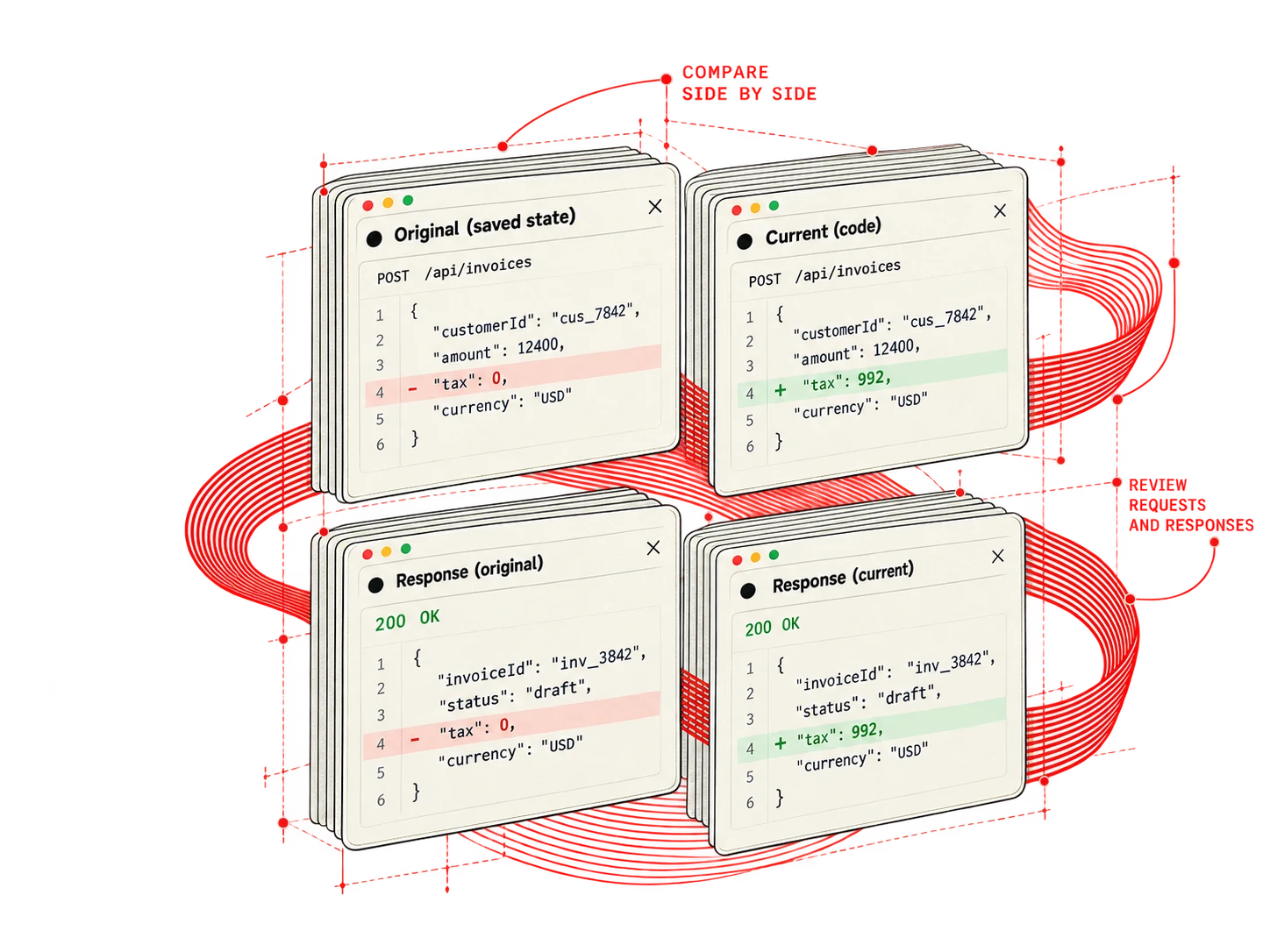
01 — INSPECT THE CHANGES
See what changed.
Compare saved material with the current result. Review differences in requests, responses and application state.
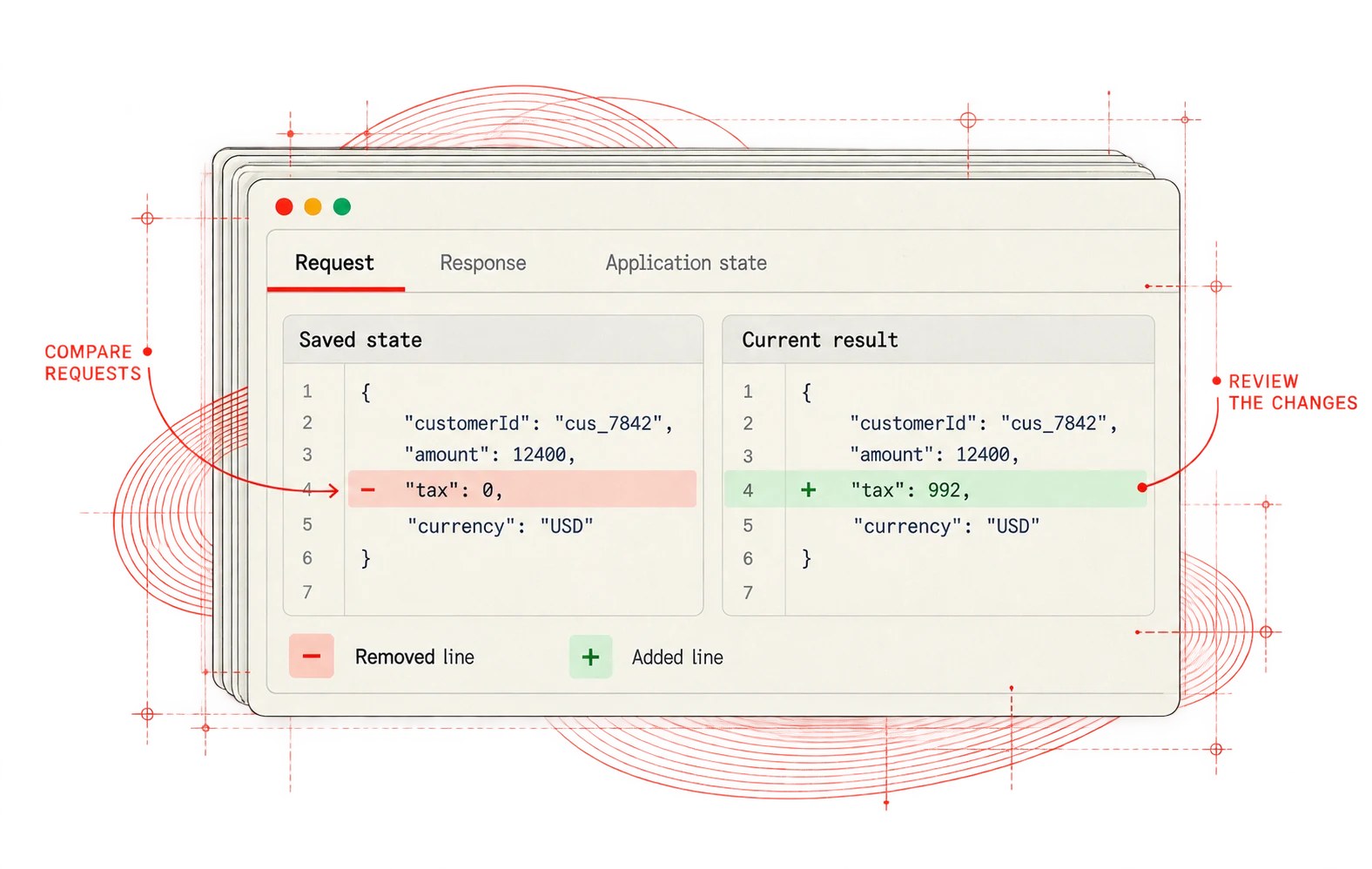
02 — ADD YOUR NOTES
Capture what you found.
Write what you observed, what you expected and why you are keeping the change. Give the revision a clear name.
01 / Name and describe the revision
02 / Keep the revision and tags
03 — REVIEW BEFORE ACCEPT
Accept when you are ready.
Review the proposed changes, test them in your current app and explicitly decide what to keep.
01 / Review before Accept
BACK TO THE WORK